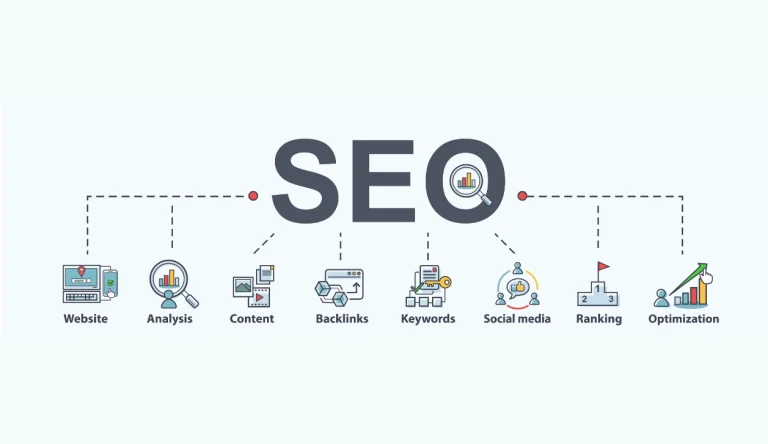
If you run a business website on WordPress, local SEO can help you get more customers. In 2026, people often search for services “near me” or include a location in their search. Local SEO helps your website appear in these results. When done right, it brings more calls, visits, and sales.
What’s Included in This Article
This guide explains how local SEO works for WordPress websites. You will learn the basics, how to optimise your site, set up your Google Business Profile, and track your results. These steps will help you rank locally and grow your business.
Understanding Local SEO and Why It Matters
Local SEO helps your business appear in search results for your area. It focuses on location-based searches. For example, when someone searches for a service in their city, search engines show nearby businesses. Local SEO helps your website appear in those results. It is important because it brings targeted traffic. These users are ready to take action.
How Local SEO Drives More Customers to Your Business
Local SEO connects your business with people who are already looking for your service. When your website ranks locally, more people find you. This leads to more calls, visits, and enquiries. It also builds trust. A business that appears in local search results looks more reliable.
Essential Local SEO Fundamentals for WordPress Websites
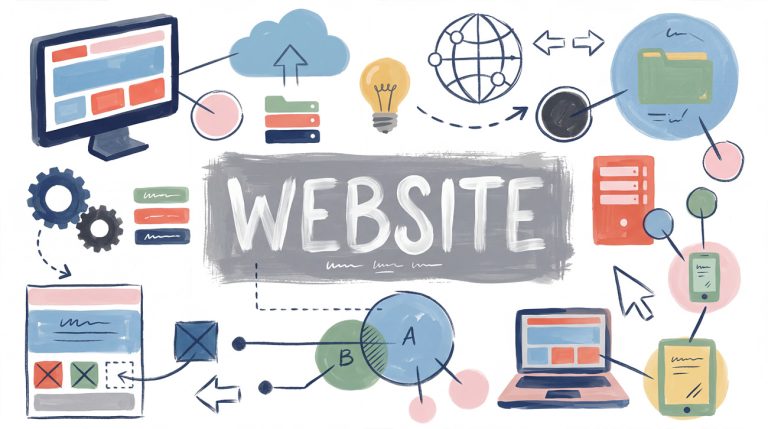
A strong WordPress website is the base of local SEO. Your site must be fast, mobile-friendly, and easy to use. You should also have clear pages, simple navigation, and helpful content. Search engines rank websites that offer a good user experience.
Setting Up Google Business Profile for Your WordPress Site
Your Google Business Profile is key for local SEO. It helps your business appear in Google Maps and local search results. Make sure your business name, address, and phone number are correct. Add photos, business hours, and a clear description.
Ask customers for reviews. Positive reviews improve your ranking and build trust.
Optimizing Your WordPress Site for Local Search
To rank locally, your website must include local keywords. Add your location in titles, headings, and content. Create pages for your services and include your city or area. Make sure your contact page is clear and easy to find.
Use plugins like SEO tools to help optimise your site. These tools guide you in improving your on-page SEO.
Creating a Local Content Strategy for WordPress
Content helps your website rank. Create blog posts and pages that focus on local topics. Write about services in your area, local guides, or common questions your customers ask. This type of content helps search engines understand your location and expertise.
Measuring and Tracking Your Local SEO Performance
To improve your SEO, you must track your results. Use tools to monitor traffic, rankings, and user behaviour. Check how many people visit your site, how long they stay, and what pages they view. This data helps you see what works and what needs improvement.
Conclusion
Local SEO is essential for WordPress websites in 2026. It helps your business appear in local search results and attract more customers. By optimising your website, using local keywords, and maintaining your Google Business Profile, you can improve your visibility and grow your business.
Want to rank higher in local search results?
At Absolute Websites, we help businesses optimise their WordPress websites for local SEO and drive more customers.
Key Takeaways
Local SEO helps your business appear in nearby searches.
A fast and mobile-friendly WordPress site improves rankings.
Google Business Profile is key for local visibility.
Local keywords and content attract the right audience.
Tracking results helps improve your strategy over time.